How to Use the Floating Video Speed Controller
How to Use the Floating Video Speed Controller The floating Video Speed Controller gives you a clean, always‑accessible popup panel that adjusts playback speed the moment you click the extension…
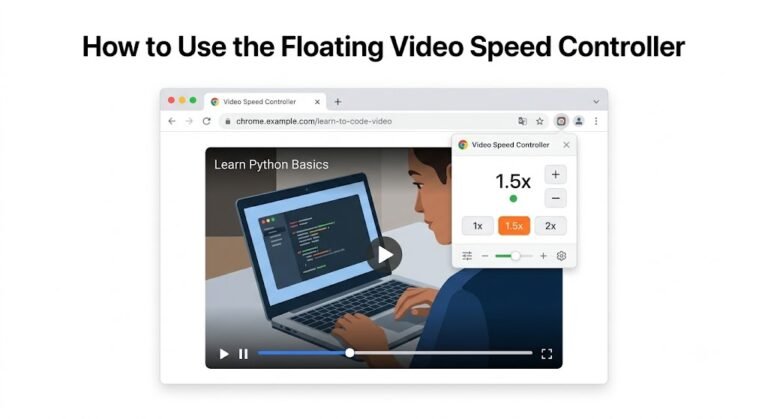
How to Use the Floating Video Speed Controller The floating Video Speed Controller gives you a clean, always‑accessible popup panel that adjusts playback speed the moment you click the extension…

Complete List of Video Speed Controller Keyboard Shortcuts Clicking the toolbar icon every time you want a speed tweak breaks your flow. Keyboard shortcuts let you increase, decrease, or reset…
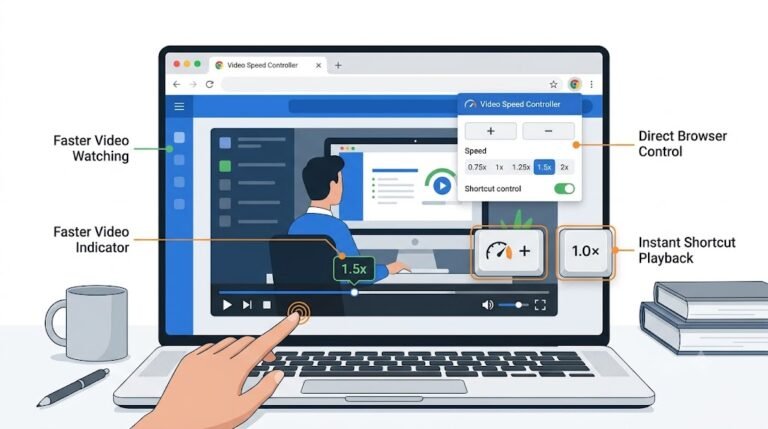
Keyboard Shortcuts for Video Speed Control – Faster Watching Without Key Combos Many people search for keyboard shortcuts for video speed control hoping to speed up lectures or slow down…
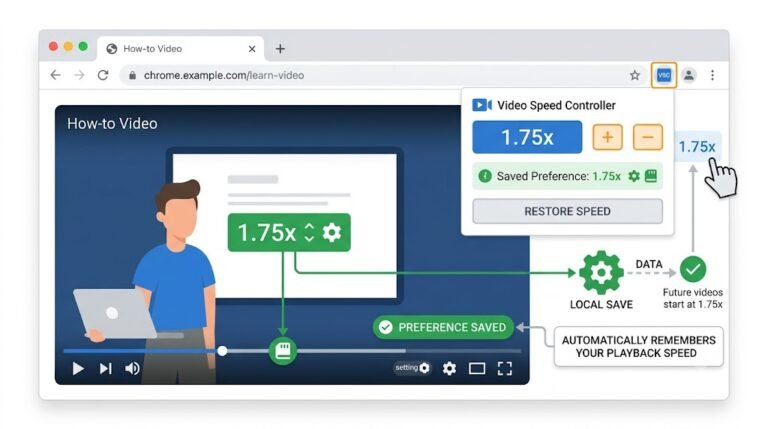
How Automatic Speed Saving Works in Video Speed Controller You’ve found your ideal listening speed for online lectures, training videos, or tutorials — 1.4×, 0.9×, maybe 2.2×. Automatic speed saving…
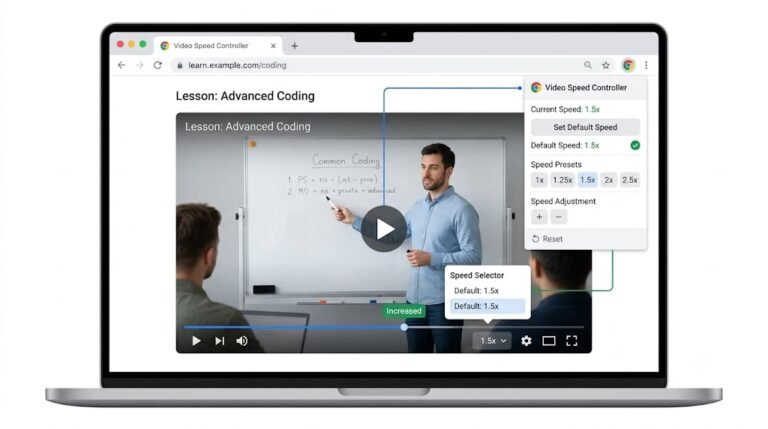
How to Set a Default Playback Speed for All Videos Tired of manually adjusting the speed every time you open a lecture, tutorial, or documentary? The Video Speed Controller extension…
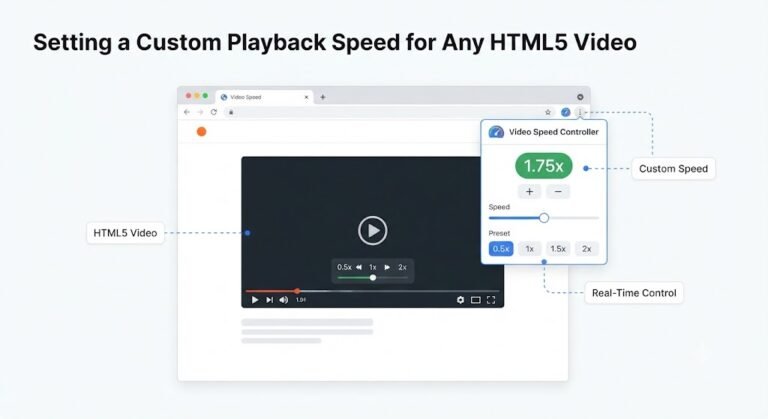
Setting a Custom Playback Speed for Any HTML5 Video The standard playback speed menu inside Chrome only gives you a few rigid presets. If you’ve ever wished for a custom…
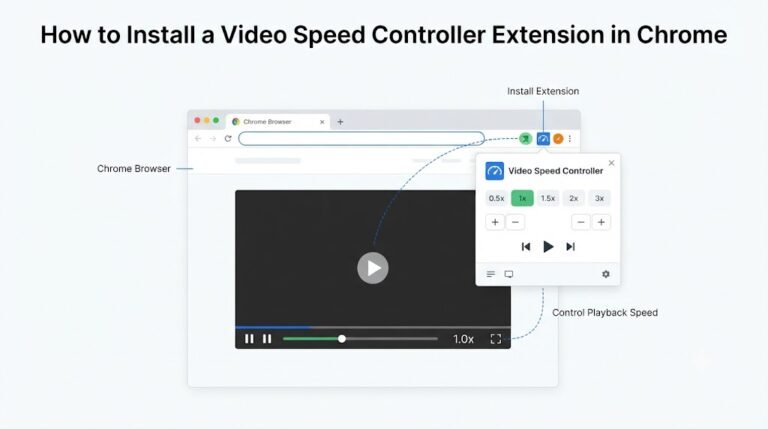
How to Install a Video Speed Controller Extension in Chrome Installing a dedicated Video Speed Controller Chrome extension takes less than a minute and gives you instant, fine‑grained control over…

Why Chrome Doesn’t Let You Control Video Speed by Default Open any YouTube lecture or training video in Chrome, right‑click the player, and you’ll find a “Playback speed” menu tucked…
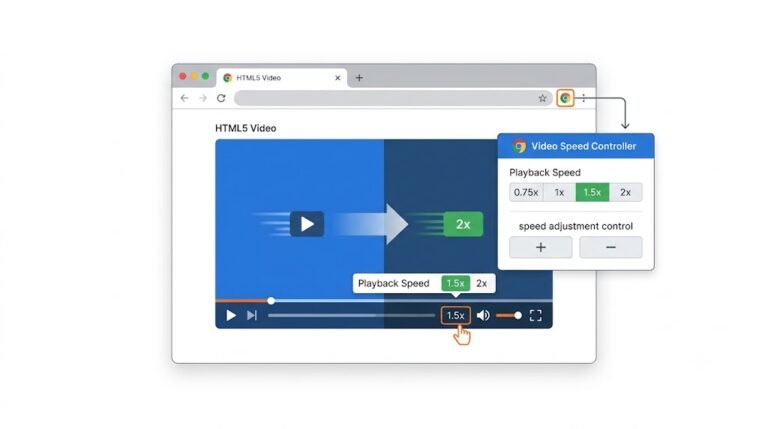
The Complete Guide to HTML5 Video Playback Speed Every browser gives you a tiny speed menu – but a dedicated Video Speed Controller puts precise, real‑time adjustments directly at your…
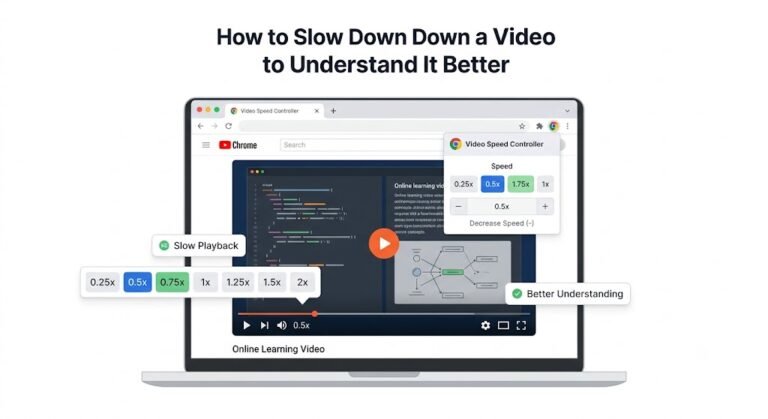
How to Slow Down a Video to Understand It Better When a speaker rushes through complex ideas or a tutorial moves too fast, the built‑in Chrome speed menu offers only…
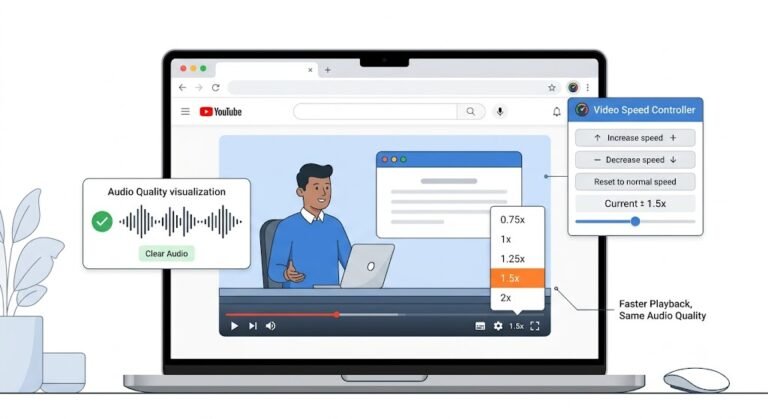
How to Speed Up YouTube Videos Without Losing Audio Quality YouTube’s built‑in speed presets are a good start, but for truly fine‑grained control — 1.37×, 2.15×, 0.83× — you need…
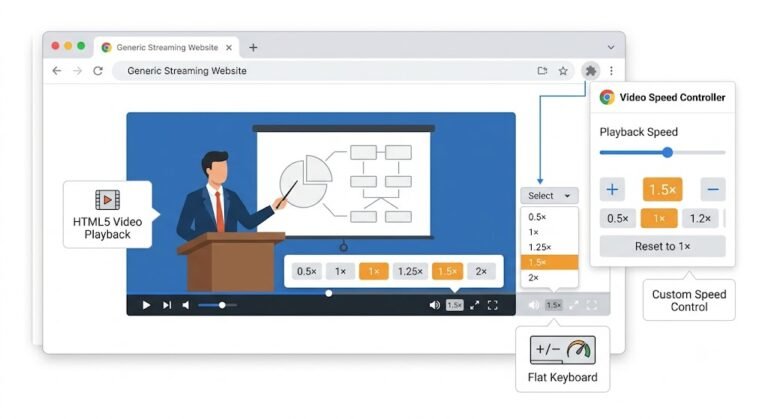
Change Video Playback Speed on Any Website You start a recorded lecture, a tutorial, or a long interview, but the pace just doesn’t fit your day. Change video playback speed…

What Is a Video Speed Controller and How Does It Work Most browsers offer a basic speed setting, but a dedicated Video Speed Controller puts fine‑grained, real‑time control directly in…